Tableau Practice (1)
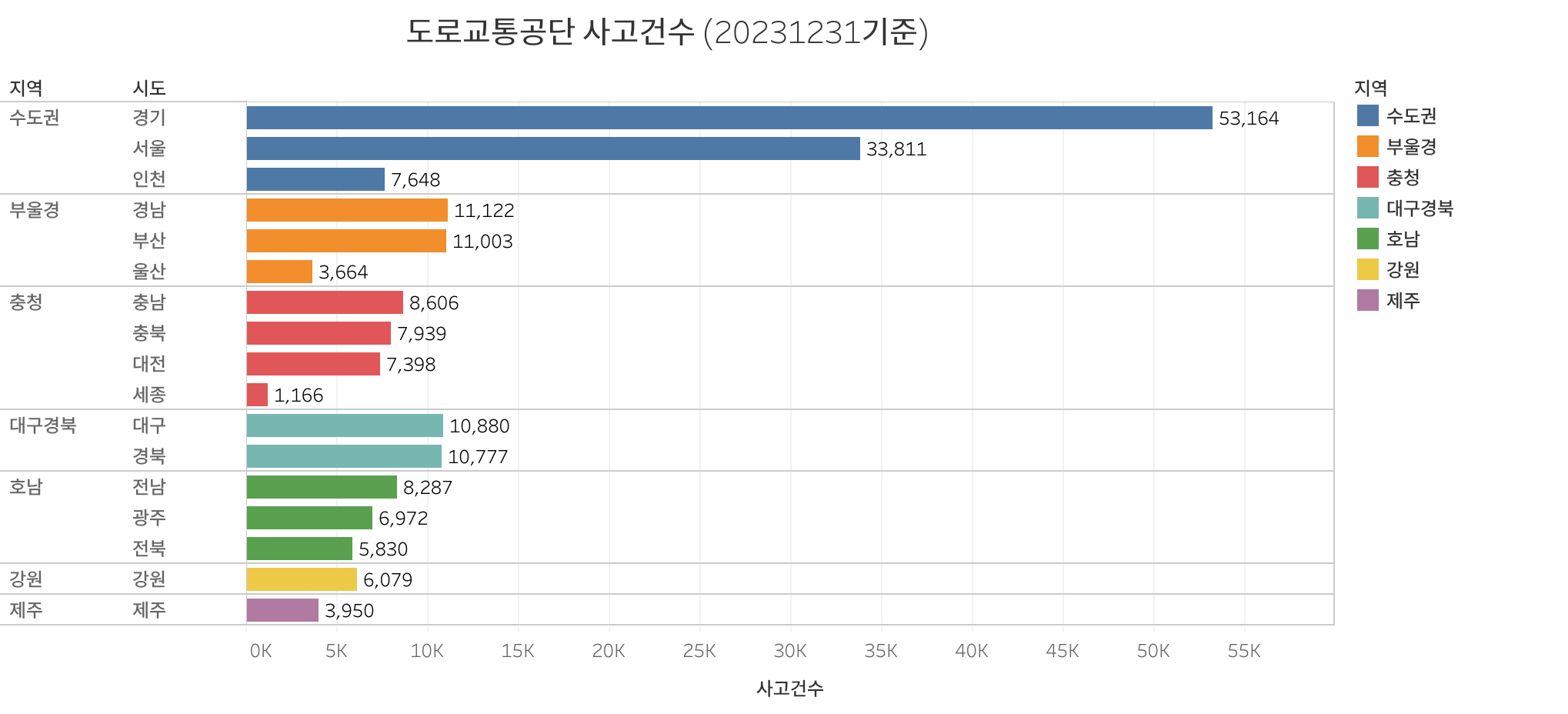
I created a bar chart using Tableau. I used traffic accident data from South Korea
Tableau
I will try using Tableau in trial mode.
First, Visit the Tableau website and click the ‘TRY NOW’ button

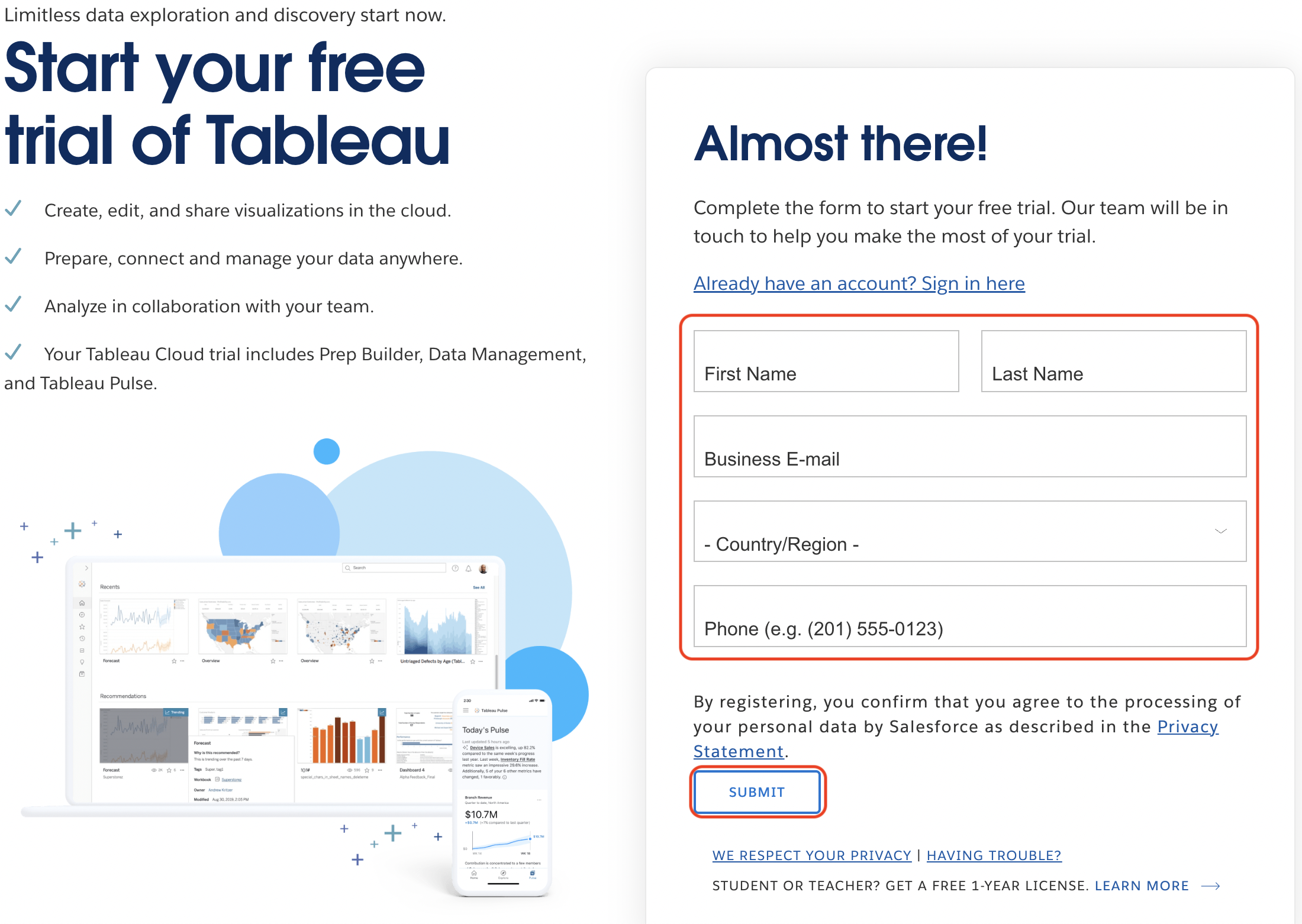
And then, Fill up your information in the fields and Click the ‘SUBMIT’ button
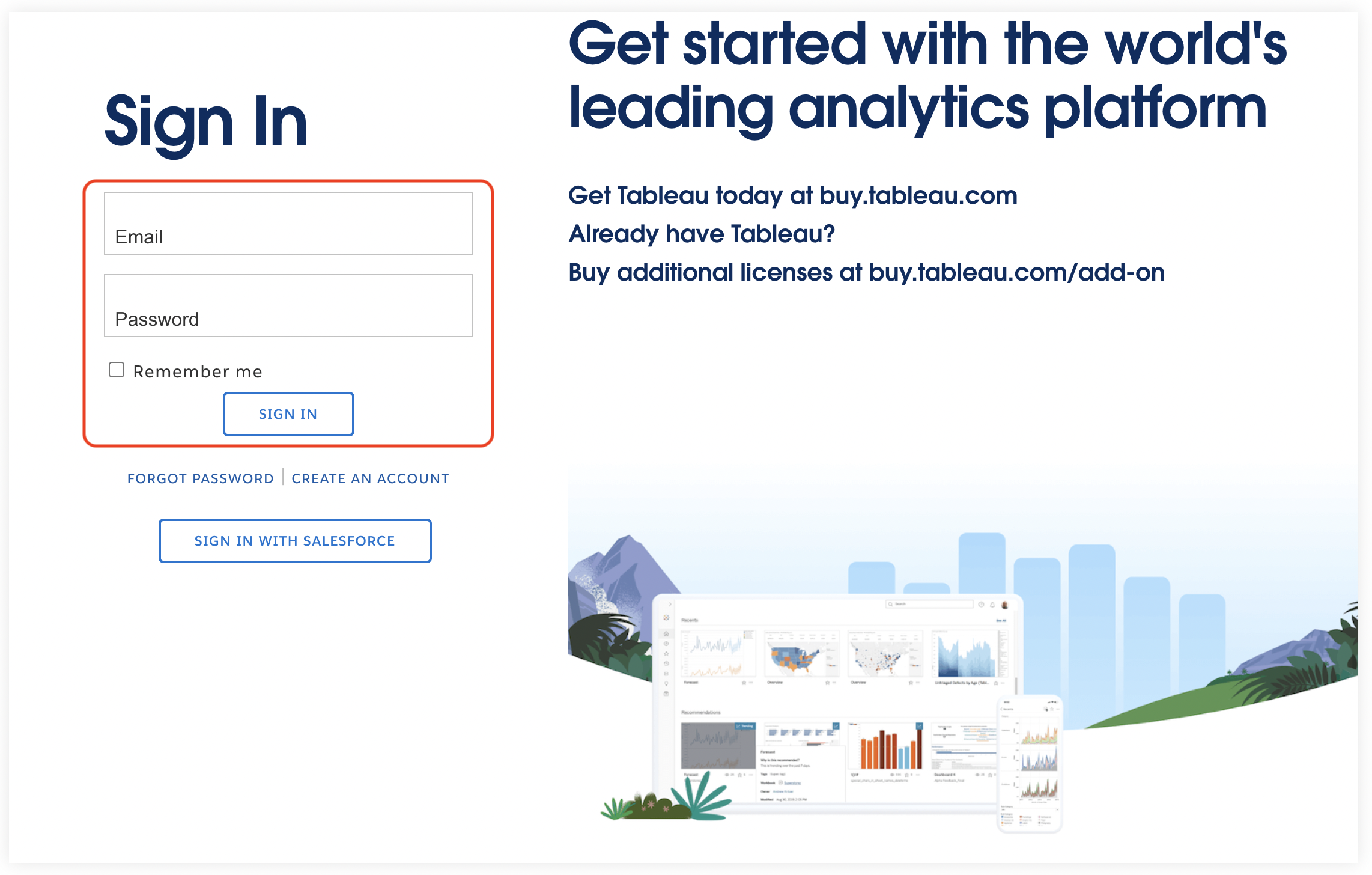
Now, you should have received an email at the address you entered. Please check to see if you received it, and then singn in using that email.
You can now test Tableau through the steps above. As my first task to learn Tableau, I created a bar chart. I used traffic accident data from South Korea, and the data source is the Public Data Portal of the Republic of Korea.
This post is licensed under CC BY 4.0 by the author.